
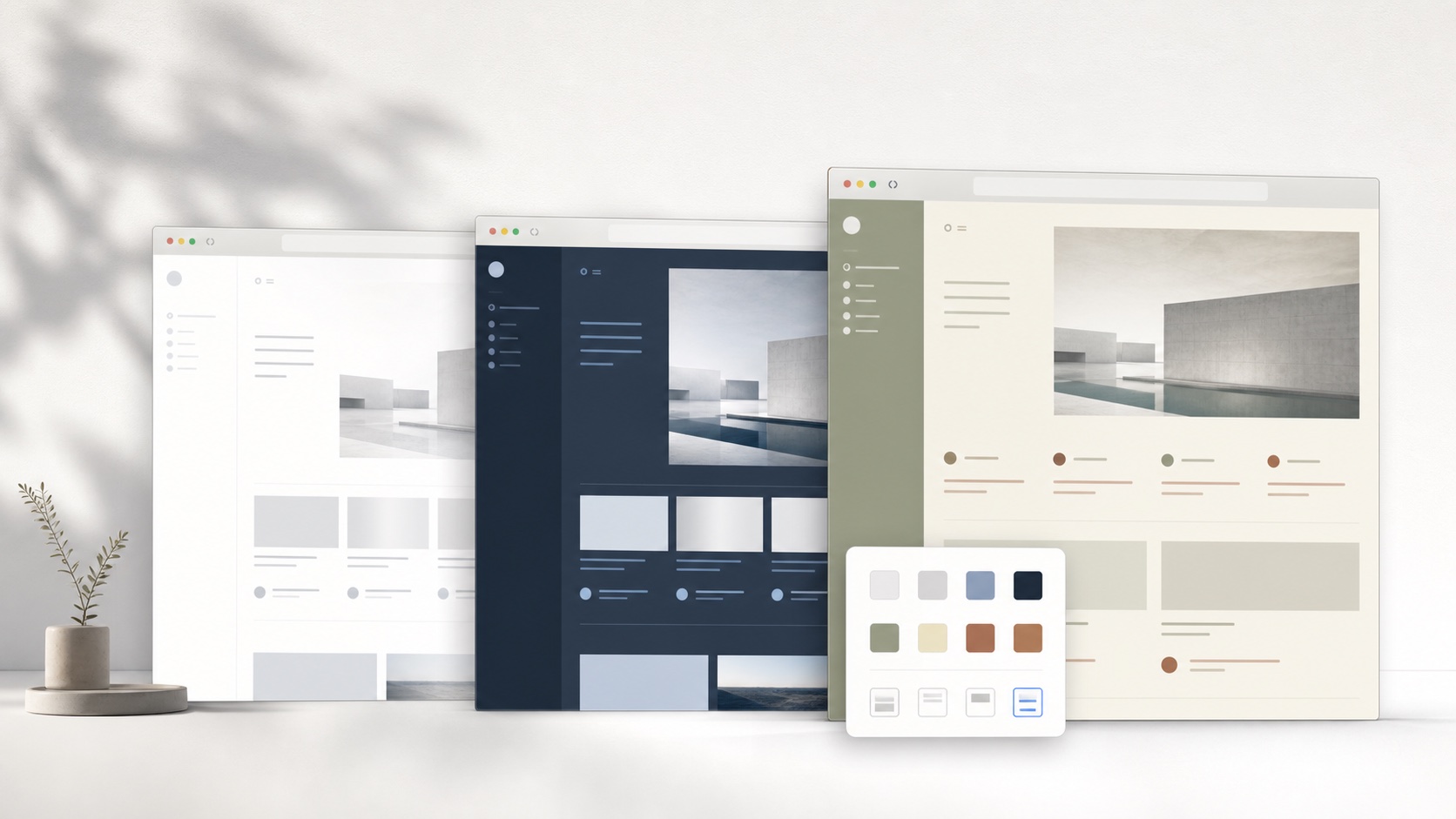
Match the GitHub layout to the task
Source code and prose need different measures. A file view benefits from horizontal room, stable line numbers, and strong token contrast. A README, issue, or design discussion needs a narrower reading column and comfortable paragraph rhythm. Pull-request review adds inline comments and diff gutters. A complete GitHub skin supports all three without making code wrap unnecessarily or stretching ordinary prose across an ultrawide display.
A coherent GitHub theme coordinates background, surface, text, border, accent, radius, shadow, and spacing as one system. Changing only the page background usually exposes untouched cards, inputs, menus, and selected states. SiteSkin builds a structured Skin Manifest from approved visual properties, then lets the browser extension translate semantic components into maintained CSS. The result is inspectable theme data rather than a remote script or a block of unknown selectors.
Style the whole supported GitHub interface
A GitHub-specific adapter recognizes repository navigation, file trees, code tables, Markdown bodies, issue cards, timelines, review panels, forms, menus, and dialogs. SiteSkin can widen supported work areas, reduce side chrome, and coordinate surfaces without treating a deletion line like an ordinary red decoration. Semantic regions make it possible to improve the frame while leaving data-driven colors meaningful.
SiteSkin requests access only for a supported website when the user chooses to enable it. The GitHub adapter owns selectors and feature behavior, while the skin holds reusable design decisions. This separation matters when the website changes: selector maintenance belongs in the adapter instead of every saved theme. It also means a generated skin cannot invent a new behavior, load arbitrary code, or expand its own permissions.
Use focus controls without losing control
Wide content is particularly useful for code, tables, logs, and diffs. Compact density can shorten long file lists and issue queues, while a reduced sidebar keeps a review centered. Users can combine those layout controls with a light paper palette, a dark IDE-like palette, or a higher-contrast presentation. The original GitHub interface remains one click away.
A theme must preserve added and deleted lines, security advisories, check conclusions, review decisions, branch protection, repository visibility, destructive actions, and authentication prompts. SiteSkin does not read private repository contents for generation or automate GitHub actions. Styling stays in the browser, manifests cannot inject scripts, and unsupported behavior requires a reviewed adapter update.
Evaluate GitHub themes before installation
Evaluate GitHub themes in a repository that includes source files, a long README, rendered Markdown, issues, pull requests, Actions results, releases, and settings navigation. In code view, line numbers, selections, search matches, syntax tokens, annotations, and horizontal overflow must remain legible without forcing unnecessary wrapping. In a diff, added and deleted lines, changed words, collapsed context, review comments, outdated threads, and unresolved conversations must keep distinct meanings. Then inspect labels, milestones, assignees, checks, merge status, security notices, repository visibility, branch selectors, menus, forms, and destructive confirmation dialogs. Test both light and dark code examples because a palette that supports one can flatten the other. Resize the window and compare ordinary, wide, and compact modes across a file tree and a review. A dependable theme makes dense engineering work easier to scan while preserving every state needed to understand, approve, reject, or safely recover an action.
Use the SiteSkin preview to inspect the visual direction, then treat the current live GitHub interface as the final compatibility check. Confirm that text remains readable over primary and secondary surfaces, keyboard focus is visible, active navigation is distinct, and media is not recolored by surrounding styles. Review each optional feature switch separately because hiding a sidebar or increasing density changes the page more substantially than an accent color. If the result supports the intended task, install the validated manifest through the official extension. If it does not, revise the tokens or return to an official preset. The original GitHub presentation remains available at every stage, so comparison and recovery never require changing the underlying account. Keep the chosen task constant while comparing themes: switching the palette, density, content width, and sidebar behavior at the same time makes it difficult to identify which change improved the experience. A deliberate preview records the useful choice and exposes the one that should be removed.
Frequently asked questions
Does a SiteSkin GitHub theme change my account or content?+
No. The theme changes supported presentation in the local browser. GitHub remains responsible for account data, content, service logic, and transactions.
Can I restore the original GitHub design?+
Yes. Pause the active skin or choose the original-site action in the extension. Theme and focus controls are designed to be reversible.