
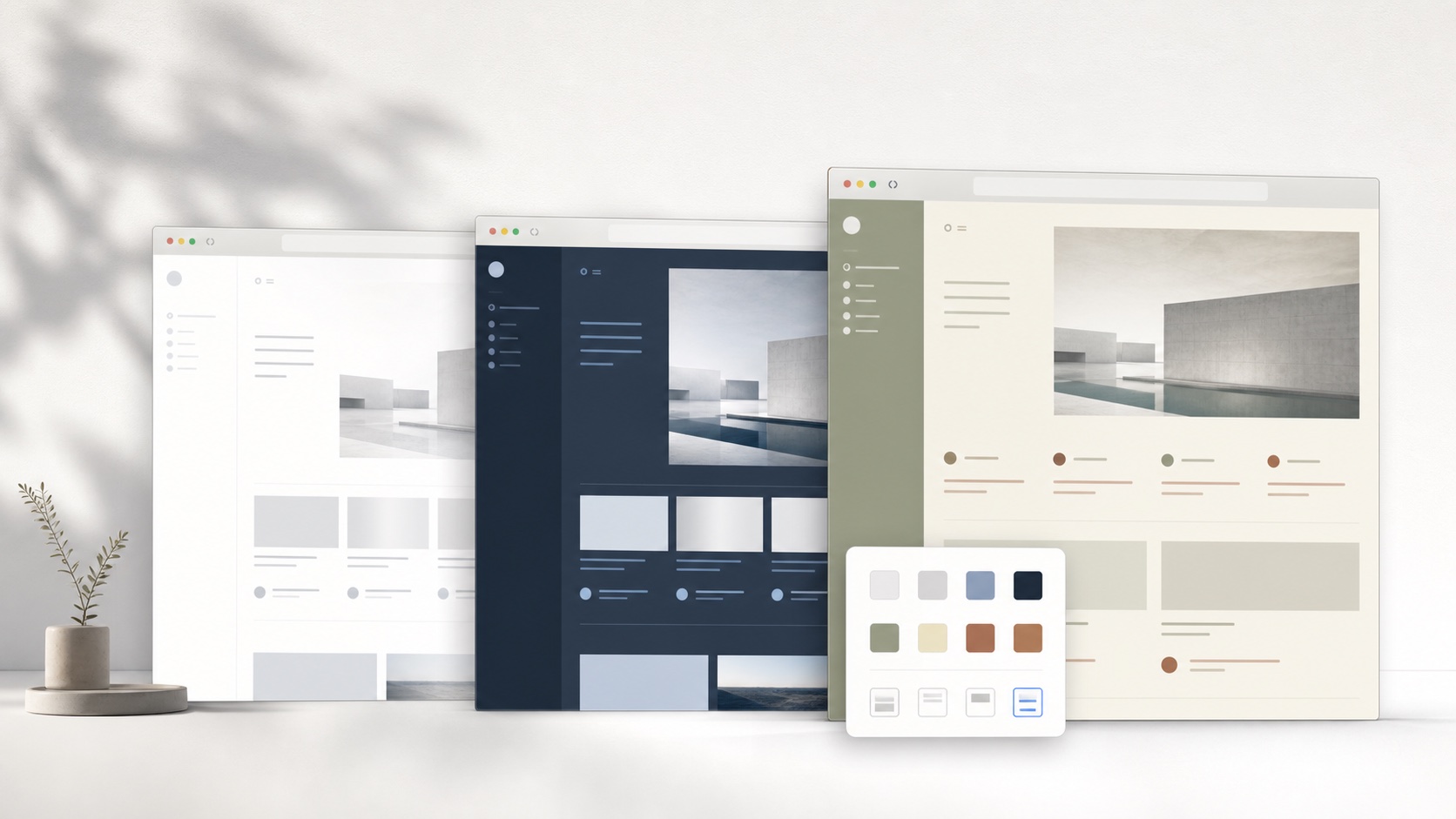
Separate publisher personalization from user personalization
Publisher personalization usually changes what content appears. It may rank recommendations, remember account settings, or tailor offers. User-controlled personalization changes how the interface is presented to the individual. It can adjust contrast, typography, density, width, and optional focus regions without asking the website to create a new design for every visitor. The two systems can coexist because they operate at different layers.
This distinction helps users set expectations. SiteSkin does not retrain a recommendation algorithm or change a subscription. It does not promise that a theme will influence the content selected by the service. It gives the browser a local presentation preference. That scope is smaller, but the result is immediate and reversible. The user can evaluate the effect directly without waiting for an account rollout or publisher feature request.
Personalize around tasks instead of decoration alone
Color is the most visible part of a skin, but task-based personalization often creates more value. A student may hide short-form modules and widen a lecture player. A programmer may expand code blocks and reduce chat navigation. A Reddit reader may compact feed cards and give discussions more width. These changes connect the interface to a specific intention rather than treating personalization as wallpaper.
SiteSkin packages appearance and supported behavior together as an experience pack. That lets the name and preview communicate a complete use case. Cinema Paper suggests a warm video environment, Newsroom suggests an information-dense forum, and Code Desk suggests a technical chat workspace. Users can still create private variations, but they begin with an understandable outcome instead of an empty control panel.
Build a preference system that can travel carefully
Local storage is the safest starting point because a theme can work without an account and without sending browsing activity to a server. Multi-device sync is useful later, but the data should represent intentional preferences such as installed skin IDs, palette choices, density, and feature switches. It should not require a detailed history of pages viewed. A sync design can use explicit account consent and a small, revocable device token.
Different contexts may also deserve different profiles. A work browser and a personal browser can use separate settings even when the same service account is signed in. This is one reason browser-level personalization remains valuable alongside website account settings. The browser knows the immediate environment, while the website account may span phones, tablets, shared computers, and workstations with very different needs.
Evaluate website personalization as a complete user-controlled system
Begin with one recurring problem and define what success means before changing the interface. A video learner might want the player to remain central, Shorts to disappear, chapters and captions to stay visible, and the original layout to return after the course. A forum reader may want compact feed scanning followed by a wider discussion column. A developer may need code blocks to use more horizontal room without stretching normal prose. Test the chosen design during the full task, including navigation, search, menus, forms, dialogs, empty states, errors, and narrow windows. A polished screenshot is insufficient because personalization must keep the interface understandable while content changes and new components appear.
Next review control, privacy, accessibility, and recovery. The user should know which website is enabled, which visual tokens and feature switches are active, where preferences are stored, and how to pause or remove them. Text contrast, keyboard focus, zoom, responsive behavior, selected states, warnings, and destructive confirmations must remain visible. Permissions should match supported domains rather than silently covering unrelated browsing, and visual preferences should not require collecting page text or a history of visited URLs. Compare the personalized page with the original, adjust one decision at a time, and preserve a direct fallback outside the modified page. Website personalization is successful when it improves a repeated task while leaving content ownership, account logic, safety signals, and the user’s ability to reverse the change intact.
Finally, revisit the setup after the website or browser updates. Confirm that saved preferences still target the intended semantic regions, newly introduced controls remain readable, and disabling the theme restores the current original design rather than an outdated imitation. Record the task a profile is meant to support so future changes can be judged against a stable purpose. This lightweight maintenance prevents a once-useful customization from becoming unexplained interface debt.
Frequently asked questions
Is website personalization the same as changing website content?+
Not in SiteSkin. It changes local presentation and approved visibility controls. The website continues to supply content, logic, and account state.
Can personalization be different on two computers?+
Yes. The MVP stores preferences locally, so each browser profile can have a different set of skins and permissions.