
Automatic conversion offers breadth with unavoidable guesswork
An automatic engine examines page colors and computes darker alternatives. The best systems understand background relationships, text contrast, images, SVG, inline styles, and embedded frames. Even then, the engine is making decisions about an unfamiliar design. A logo may be inverted when it should remain untouched, a chart may lose category contrast, or a shadow may become a distracting glow. Broad coverage requires heuristics because no extension can ship a hand-written map for every page.
Automatic conversion is still the practical answer for users who need dark mode across many sites. Per-site settings help correct difficult pages. Users should look for brightness and contrast controls, an exclusion list, clear disable behavior, and a history of compatibility updates. A curated SiteSkin theme is not a substitute for this breadth. It is an option for people who care more about a designed result on a smaller set of daily interfaces.
Custom CSS provides precision and creates maintenance work
A hand-written stylesheet can produce an excellent dark theme because the author can treat every component differently. It can preserve images, choose code colors, restyle controls, and adjust layout. The cost is selector maintenance. Generated class names and page redesigns can break rules without warning. Users also need a safe way to store and inject the stylesheet on matching URLs.
SiteSkin takes some of that precision and moves selector maintenance into an adapter. A manifest controls the approved visual system while the adapter targets known components. The creator cannot reach every element, but existing themes can benefit from one adapter repair. This model works for officially supported sites and does nothing on unsupported pages. The limitation is explicit rather than hidden behind a claim of universal support.
A good dark theme is more than background and text reversal
Dark interfaces need hierarchy between page, surface, elevated surface, input, code, and selected state. Pure black can create excessive contrast, while gray text can become too faint. Accent colors often need lower saturation, borders need different lightness, and images may need to remain exactly as supplied. Focus rings and disabled states must remain visible. A successful dark theme is a coordinated palette with component decisions, not a single inversion rule.
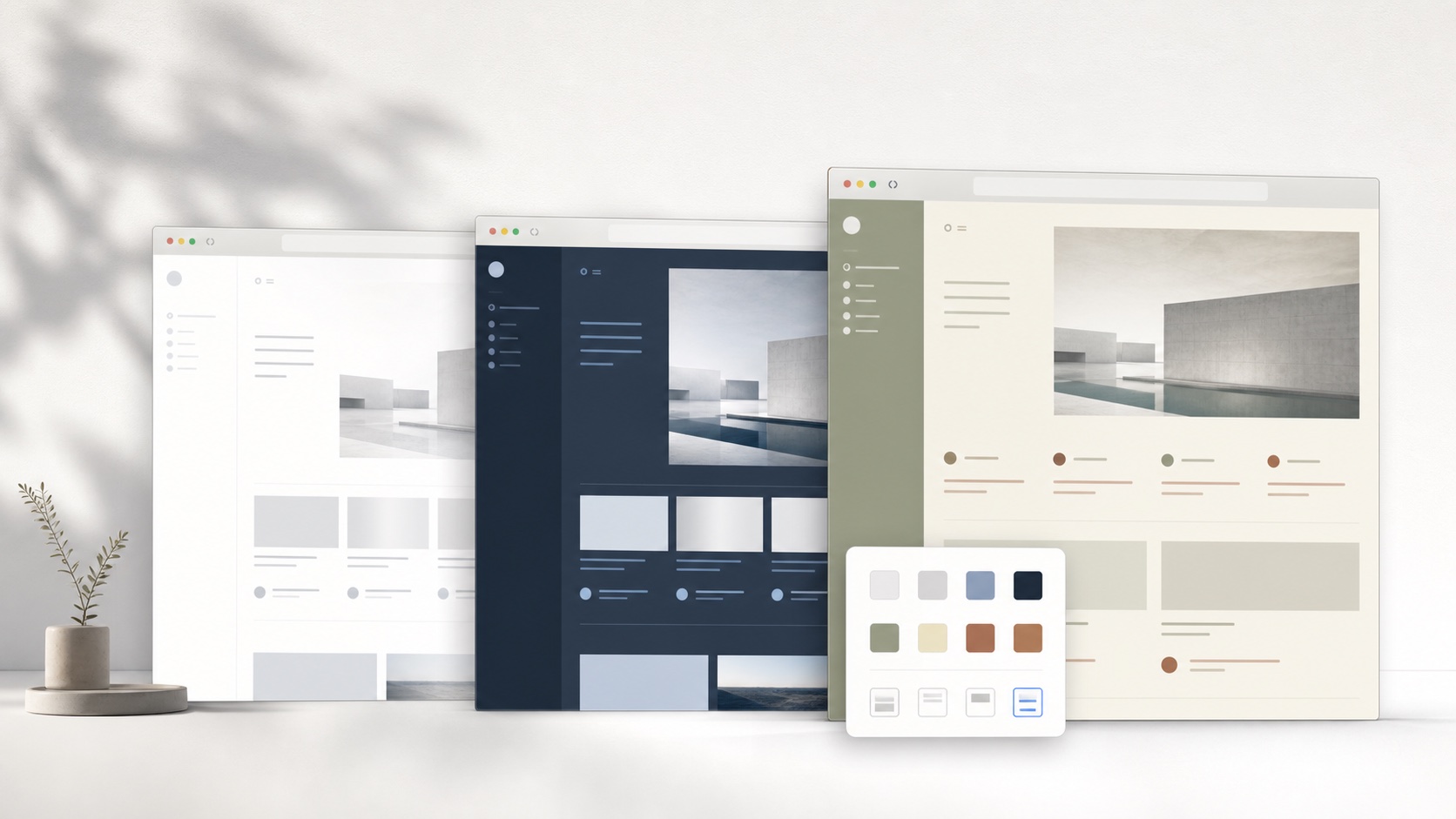
SiteSkin themes can use charcoal page backgrounds, lighter card surfaces, readable foregrounds, restrained accent colors, and separate code surfaces. They can also change width or density when the supported interface benefits. Because each manifest can be removed from the popup, users can compare a dark theme with a warm light theme rather than treating dark mode as a permanent all-or-nothing setting.
Test dark mode for any website against difficult page states
Evaluate more than the home page. Open articles, dashboards, search, forms, tables, code, charts, images, video, embedded documents, menus, dialogs, tooltips, notifications, authentication screens, and error states. Check text and link contrast, keyboard focus, selected and disabled controls, borders between layered surfaces, semantic status colors, and whether media remains faithful to the source. Bright logos, transparent images, diagrams, maps, syntax highlighting, and externally embedded frames commonly expose weaknesses in automatic conversion. Test before and after scrolling because dynamically loaded components may use different styles, and compare normal and high browser zoom so hidden overflow or clipped controls are visible.
Choose the method based on coverage and tolerance for correction. A universal engine is appropriate when many unrelated websites need an acceptable result and the user can exclude difficult pages. Custom CSS fits a small number of pages when precise control is worth ongoing selector maintenance. Curated adapters fit supported daily tools when visual coordination, explicit feature switches, and shared updates matter more than universal reach. Keep a per-site off switch and never let dark styling obscure phishing warnings, prices, permissions, destructive actions, or authentication context. Dark mode for any website is not one feature with one perfect algorithm; it is a choice among conversion, authored rules, and maintained mappings, each with a different owner and failure mode.
Recheck frequently used sites after redesigns and compare them in the lighting conditions where they are actually used. A palette that feels comfortable at night may provide insufficient hierarchy in a bright room, so per-site controls and quick reversal remain valuable.
Frequently asked questions
Can SiteSkin enable dark mode on any website?+
No. SiteSkin applies curated themes only to supported sites. Use a universal dark-mode engine when broad coverage is the main requirement.
Why not use pure black for every dark background?+
Layered charcoal surfaces usually preserve hierarchy and reduce harsh contrast. Exact choices should still meet readable contrast requirements.