
Design the conversation column for the work
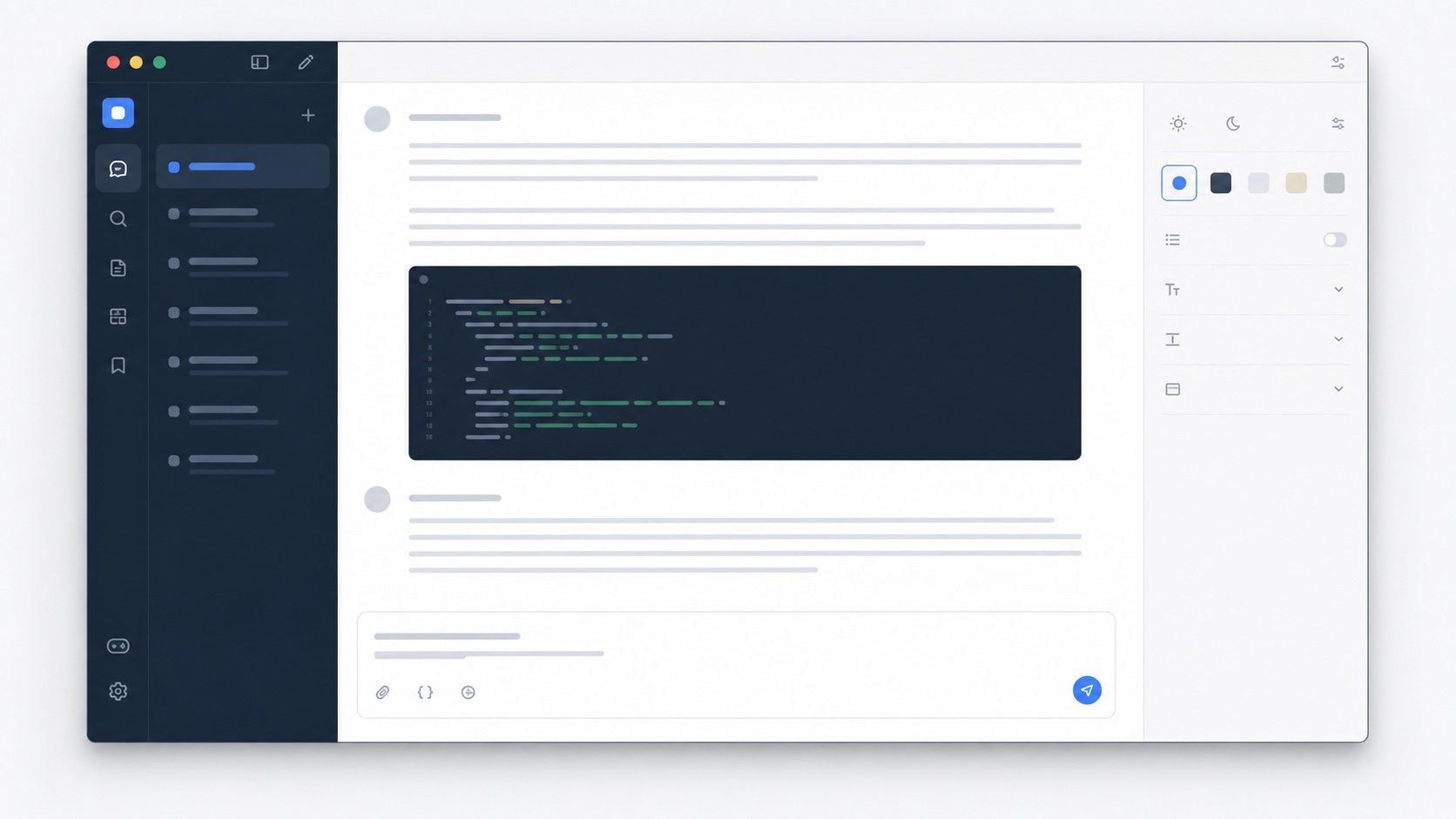
The default width of a chat interface is a compromise. It has to support short messages, mobile screens, tables, code, and long prose. On a large desktop monitor, that compromise can leave useful space unused. A wide ChatGPT theme can expand code blocks, tables, and structured answers while keeping prose inside a comfortable line length. The goal is not maximum width. It is a responsive reading measure that changes intelligently with the type of content.
Writing Room uses a light surface, quiet sidebar, and generous text rhythm for drafting and research. Code Desk uses darker code surfaces, clearer token contrast, and a denser layout for technical sessions. Both themes rely on the same semantic components, so the difference comes from coordinated tokens and explicit layout switches rather than a collection of unrelated overrides. Users can change presentations without changing conversations.
Typography matters more in long AI sessions
A five-minute chat can tolerate almost any readable font. A two-hour writing or debugging session makes small typographic problems obvious. Body text needs a stable x-height, clear punctuation, and enough line spacing to distinguish paragraphs and lists. Code needs a separate surface and a predictable monospace stack. Muted text must remain legible because citations, timestamps, tool output, and secondary controls often carry important context.
A theme should also preserve interface states. Hover, focus, selected navigation, disabled actions, and the active composer all need clear contrast. Simply changing background and text colors can make these states disappear. SiteSkin applies a coordinated palette to semantic components and limits the properties a manifest can use. The result is more controlled than pasting a large unknown stylesheet into the browser.
Use focus mode without hiding essential controls
A focused chat workspace may reduce the sidebar and header while the user reads or writes, but account controls and conversation navigation still need a way back. SiteSkin treats focus as a reversible presentation state. The interface can become quieter without deleting data or changing the conversation list. A user can turn the skin off from the extension even if the website layout has changed enough to make its own controls difficult to reach.
This local approach also keeps theme preferences separate from the service’s built-in appearance settings. Official light, dark, and accent options remain useful, and SiteSkin can add layout density, wide content, code styling, and sidebar behavior on top. The extension does not claim affiliation with OpenAI and does not alter model responses, usage limits, safety systems, or account entitlements. It changes only the web presentation in the enabled browser.
Evaluate ChatGPT themes with real conversations and tools
A useful evaluation includes more than a short text answer. Open conversations containing headings, numbered steps, tables, citations, inline code, long code blocks, mathematical notation, images, file references, and tool results. Check that user and assistant turns remain easy to distinguish, links are recognizable, selection and copy controls are visible, and syntax colors communicate structure without reducing contrast. The composer needs equal attention: placeholder text, attachments, voice or tool controls, send and stop states, warnings, and keyboard focus should remain understandable against every surface. When an answer streams into the page, new paragraphs must inherit the same typography without causing unexpected width changes or layout shifts. ChatGPT themes should support the evolving conversation state, not only content that was already present when the skin loaded.
Compare research, writing, and coding sessions because each exposes different weaknesses. Research needs readable citations and a stable long-form rhythm; drafting benefits from a calm column and low-noise navigation; debugging needs wide code, clear punctuation, horizontal overflow, and obvious copy actions. Test the conversation list, search, temporary chats, settings, account menus, dialogs, empty states, and error notices before relying on a theme for daily work. Also resize the browser and zoom the page to confirm that wide content does not turn prose into exhausting lines or push controls outside the viewport. SiteSkin changes local presentation only, so the original interface remains available for immediate comparison. The strongest result is not the theme with the most dramatic transformation, but the one that makes the intended work easier while keeping service status, privacy context, and user decisions visible.
Frequently asked questions
Do ChatGPT themes change model responses?+
No. Themes affect the local web interface only. They do not modify prompts, responses, model selection, account limits, or service safety systems.
Can I use a wider layout for code but not for prose?+
SiteSkin’s current wide-content switch applies to supported conversation regions. Future adapter versions can introduce more granular content-type controls without changing the manifest security model.