
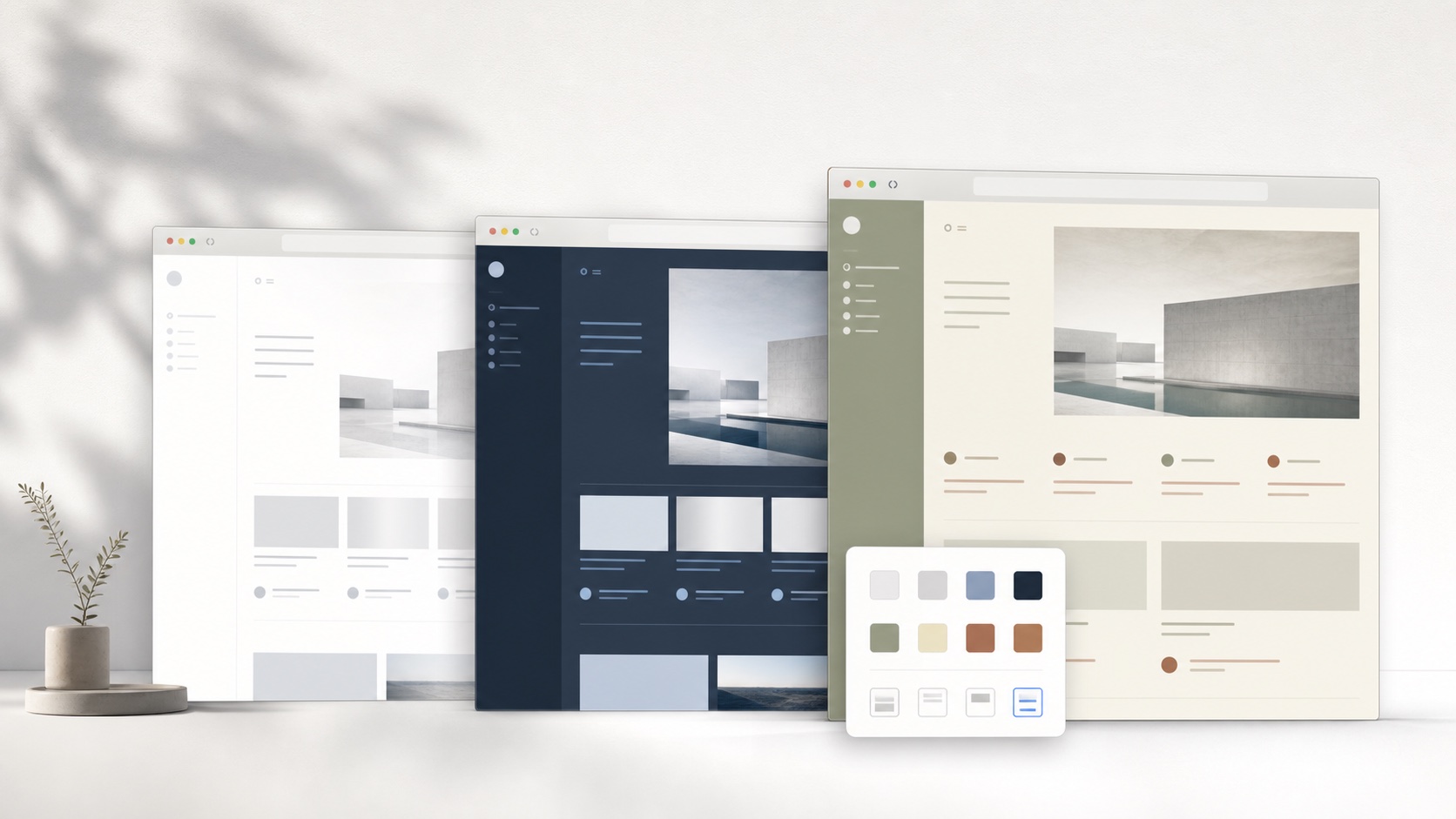
The main difference is the unit being installed
Traditional user-style tools are commonly organized around CSS. A theme author chooses selectors and writes declarations that apply to a website. That model is flexible and has enabled large communities, but it also asks each style to understand the target site’s current markup. SiteSkin installs a Skin Manifest instead. The manifest names semantic components, supplies design tokens, and selects approved feature switches. The extension’s adapter owns the site selectors.
This separation reduces freedom in exchange for a clearer boundary. A SiteSkin creator cannot target every arbitrary element or invent a new behavior from a remote file. They can style the components the adapter exposes and use the capabilities shipped in the extension. For ordinary users, that constraint makes an installation easier to understand. For creators who need complete CSS control, a general user-style manager may remain the better tool.
Curated coverage instead of maximum catalog size
A large catalog is valuable when users know how to evaluate style quality, update history, and selector safety. It can feel overwhelming when many themes solve the same problem with different maintenance levels. SiteSkin provides official themes for YouTube, Reddit, ChatGPT, X, GitHub, Gmail, and Twitch. Each site has a defined component map, feature set, permission scope, and recovery path. The library is smaller because every supported surface creates an ongoing maintenance obligation.
The product goal is not to claim that curation is universally better. It is to serve users who would rather choose between several coherent, officially maintained presets than search through hundreds of community styles. SiteSkin is currently focused on expanding supported websites and improving the reliability of its official theme library.
Choose reviewed themes and adjust supported controls
SiteSkin uses reviewed theme presets and direct appearance controls. Choose a theme, inspect its colors and layout, then adjust the font, background, content width, or supported focus features. These choices become validated data that the extension applies through code included in its package. A theme cannot add a background network request or create a new browser permission. This keeps a visual change easy to understand and makes restoring the original site a straightforward action.
That workflow is designed for people who do not want to learn selectors before changing a familiar website. It is also reversible. Generated drafts can be previewed, downloaded as JSON, installed locally, or discarded. The website and extension remain separate: the website helps create and discover skins, while the extension controls permissions, storage, validation, and application inside the browser.
Use a Stylish alternative checklist before changing tools
Start with the reason for switching. If the priority is a large community catalog, publishing original CSS, or finding styles for many unrelated websites, confirm that a candidate actually supports those workflows rather than assuming every theming extension is interchangeable. If the priority is a smaller reviewed library, guided creation, explicit supported domains, and shared compatibility maintenance, inspect how the product defines and updates its site adapters. Also compare the current store listing, publisher identity, permissions, privacy policy, account requirements, data used for recommendations, theme review process, update history, export format, and support channel. These operational details matter as much as a screenshot because a website style continues to interact with changing page markup after installation.
Test one representative website before migrating a full setup. Compare feed, content, search, forms, menus, dialogs, account controls, warnings, responsive widths, keyboard focus, and a page loaded after the theme was installed. Confirm which data belongs to the theme, which selectors or components belong to the extension, whether remote resources or executable code are allowed, and how a broken result is disabled. SiteSkin should be chosen as a Stylish alternative only when semantic manifests and curated coverage match the user’s needs; it does not import arbitrary Stylish CSS or reproduce a universal community catalog. Keep the existing tool available until the replacement succeeds at the real task, then remove overlapping styles and permissions so two extensions do not compete to control the same page.
Document the final scope and recovery action before expanding the replacement to another domain.
Frequently asked questions
Is SiteSkin affiliated with Stylish?+
No. SiteSkin is an independent product. This page compares broad workflow differences for users evaluating website theming tools.
Can SiteSkin install existing Stylish themes?+
Not directly. SiteSkin uses a semantic manifest rather than arbitrary user CSS. A theme must be recreated with supported tokens, components, and feature switches.