
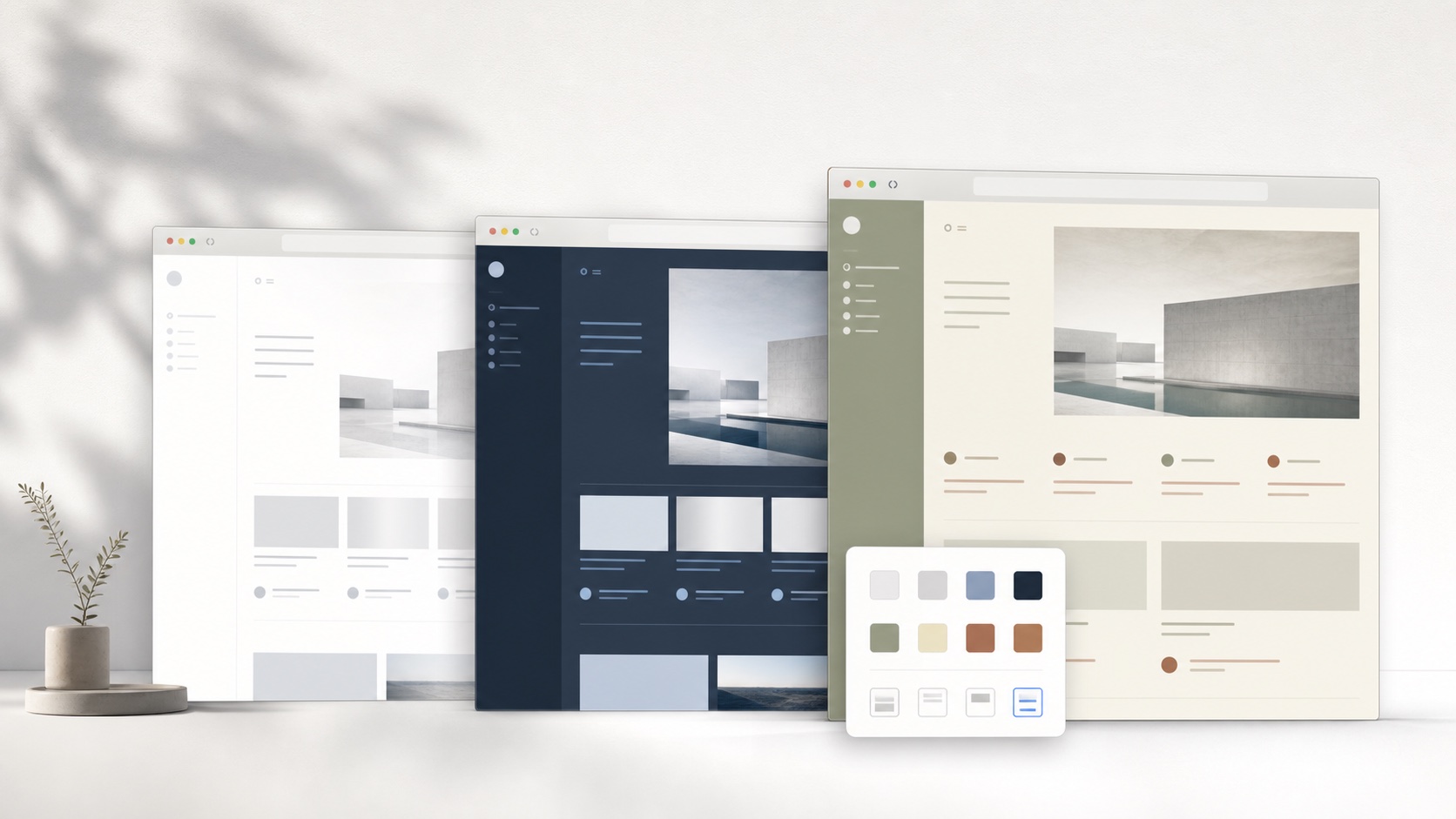
Match the Notion layout to the task
A document page benefits from calm typography and a stable reading measure. A database needs denser rows, visible properties, filters, and horizontal space. A project board needs clear card hierarchy, while a wiki depends on navigation and breadcrumbs. One fixed width or spacing value cannot serve every view. A Notion skin should coordinate common tokens while allowing supported layout controls to adapt to the current type of work.
A coherent Notion theme coordinates background, surface, text, border, accent, radius, shadow, and spacing as one system. Changing only the page background usually exposes untouched cards, inputs, menus, and selected states. SiteSkin builds a structured Skin Manifest from approved visual properties, then lets the browser extension translate semantic components into maintained CSS. The result is inspectable theme data rather than a remote script or a block of unknown selectors.
Style the whole supported Notion interface
A site-specific adapter can distinguish workspace navigation, breadcrumbs, the page canvas, block controls, database toolbars, tables, boards, comments, menus, and dialogs. This prevents a background rule from hiding hover handles or selected database cells. SiteSkin styles approved interface components with a bounded set of properties rather than inserting arbitrary selectors from unvalidated data.
SiteSkin requests access only for a supported website when the user chooses to enable it. The Notion adapter owns selectors and feature behavior, while the skin holds reusable design decisions. This separation matters when the website changes: selector maintenance belongs in the adapter instead of every saved theme. It also means a generated skin cannot invent a new behavior, load arbitrary code, or expand its own permissions.
Use focus controls without losing control
Reducing the sidebar can create a quieter writing canvas, while wide content helps tables, timelines, and complex dashboards. Compact density can show more database rows without reducing document text everywhere. These controls are useful because they are separate: a writer can use the same warm palette with a focused document today and the standard navigation tomorrow.
The theme must preserve sharing state, workspace identity, mentions, comments, unsaved indicators, permissions, destructive actions, and external-link context. SiteSkin does not read page text for styling, edit blocks, move database records, invite users, or change workspace settings. The skin is local presentation data and can be disabled even when a document’s own layout is complex.
Evaluate Notion themes before installation
Evaluate Notion themes in a workspace containing a long document, nested pages, tables, boards, calendars, timelines, galleries, formulas, relations, comments, mentions, synced content, and embedded media. The document canvas needs comfortable prose, recognizable links, clear selections, visible block handles, and stable code or callout surfaces. Databases require a different test: property names, values, filters, sorting, groups, selected cells, status colors, hidden columns, horizontal scrolling, and newly opened records must remain understandable at compact and wide settings. Open search, breadcrumbs, page history, sharing, workspace switching, templates, menus, and destructive confirmation dialogs to verify layered surfaces and permissions. Resize the window and collapse navigation while editing and reading, watching for controls that disappear or content that becomes excessively wide. A dependable theme adapts to distinct Notion views without pretending that a document and a database need identical spacing, and it preserves collaboration, save, sharing, and workspace context throughout.
Use the SiteSkin preview to inspect the visual direction, then treat the current live Notion interface as the final compatibility check. Confirm that text remains readable over primary and secondary surfaces, keyboard focus is visible, active navigation is distinct, and media is not recolored by surrounding styles. Review each optional feature switch separately because hiding a sidebar or increasing density changes the page more substantially than an accent color. If the result supports the intended task, install the validated manifest through the official extension. If it does not, revise the tokens or return to an official preset. The original Notion presentation remains available at every stage, so comparison and recovery never require changing the underlying account. Keep the chosen task constant while comparing themes: switching the palette, density, content width, and sidebar behavior at the same time makes it difficult to identify which change improved the experience. A deliberate preview records the useful choice and exposes the one that should be removed.
Frequently asked questions
Does a SiteSkin Notion theme change my account or content?+
No. The theme changes supported presentation in the local browser. Notion remains responsible for account data, content, service logic, and transactions.
Can I restore the original Notion design?+
Yes. Pause the active skin or choose the original-site action in the extension. Theme and focus controls are designed to be reversible.