Universal dark conversion and site themes solve different problems
A universal dark-mode engine tries to produce a usable dark presentation across a very large part of the web. It must handle unknown layouts, images, charts, inline styles, iframes, and applications it has never seen before. That breadth is the central value. A site theme starts with knowledge of a specific interface. It can choose different treatments for a player, content card, code block, sidebar, or comment region and can change layout as well as color.
SiteSkin therefore does not claim to darken every website. Its maintained adapters target 12 popular websites, with reviewed presets available for YouTube, Reddit, ChatGPT, X, GitHub, Gmail, and Twitch. On supported sites, a skin can combine dark or light palettes with wide content, compact density, hidden secondary regions, and other approved switches. Users who need dark mode everywhere may prefer a universal tool. Users who want deeper changes on selected daily sites may prefer curated adapters.
Choose a designed preset instead of tuning a filter
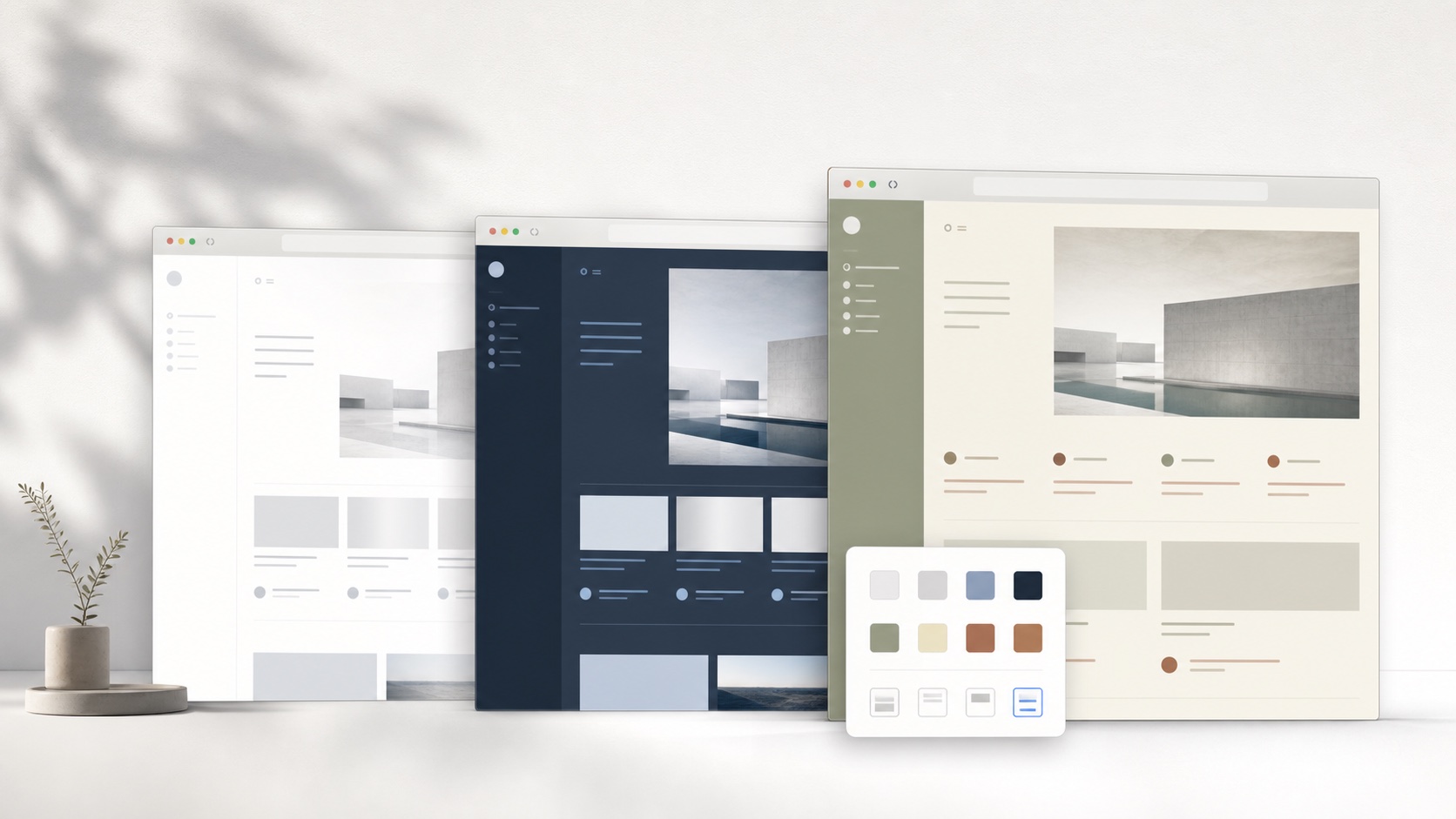
Filter controls are useful when a user wants to adjust brightness, contrast, sepia, or grayscale across many pages. A designed preset takes a different approach. It defines surfaces, text hierarchy, borders, radius, shadow, and semantic component styles as one composition. The user chooses a result such as Night Screen or Code Desk rather than tuning the same global conversion until every region looks acceptable.
The appearance Studio extends the preset workflow with direct controls for fonts, backgrounds, content width, and supported focus features. Each selection is validated before it reaches the extension. These controls cannot create a new dynamic dark-mode algorithm or modify an unsupported website. Users can begin with a theme, make a small adjustment, and check it on the actual page. This keeps the extension understandable while preserving a clear boundary around the websites it supports.
Evaluate permissions, compatibility, and recovery
Any extension that changes web pages needs meaningful access. Users should compare the current permission prompts, privacy statements, source availability, update history, and support model of every option. SiteSkin’s product direction is optional permission per supported site, local storage for installed manifests, validated external messages from its own website, and no remote JavaScript inside themes. These choices create a narrow but explicit operating boundary.
Recovery matters because theming can fail after a site update. SiteSkin keeps a direct remove action in the popup and separates site adapters from design tokens. Disabling the skin returns the original presentation. A universal converter may offer its own site list and per-site disable controls. The best tool is the one whose failure mode and recovery path the user understands before granting access.
Test a Dark Reader alternative with a coverage-versus-depth matrix
List the websites that actually need a different appearance and divide them into broad occasional browsing and high-frequency work surfaces. For broad coverage, test a universal dark engine on articles, forms, charts, images, video, embedded frames, menus, authentication, warnings, and dynamically loaded content. Review brightness, contrast, site toggles, automation, and the behavior of pages that are already dark. For high-frequency supported sites, test whether a curated theme can improve layout, density, code, media framing, or distraction controls in addition to color. Use the same pages, display brightness, browser zoom, and lighting conditions so the comparison measures the task rather than two unrelated screenshots.
Next compare operating boundaries: supported browsers and sites, permissions, privacy policy, open-source availability where relevant, local or synced settings, update history, issue reporting, exclusions, and the fastest recovery path. SiteSkin should not replace Dark Reader when the requirement is automatic dark mode across most of the web. It can serve as a Dark Reader alternative for selected sites when coordinated light or dark presets and maintained semantic adapters are more valuable than universal conversion. Some users may use both, but they should exclude overlapping domains so two styling engines do not recolor the same page. Keep warnings, prices, authentication context, media, and semantic status colors intact whichever tool is active.
Repeat the evaluation after a website redesign and during both daylight and evening use, since compatibility and perceived contrast can change independently.
Frequently asked questions
Does SiteSkin provide dark mode for every website?+
No. It provides curated themes for supported sites. Dark Reader or another universal dark-mode tool is better for broad automatic coverage.
Can SiteSkin themes be light as well as dark?+
Yes. Skins can use light, dark, or mixed semantic surfaces as long as their values pass the manifest validator.