Match the LinkedIn layout to the task
A LinkedIn session may involve scanning industry updates, reviewing a profile, reading a long post, checking notifications, or comparing job information. Each task uses different density. The feed benefits from restrained cards and clear author hierarchy; profiles and articles need wider readable sections; lists need compact rows. A useful skin coordinates those modes without hiding the source, date, relationship, or action attached to an item.
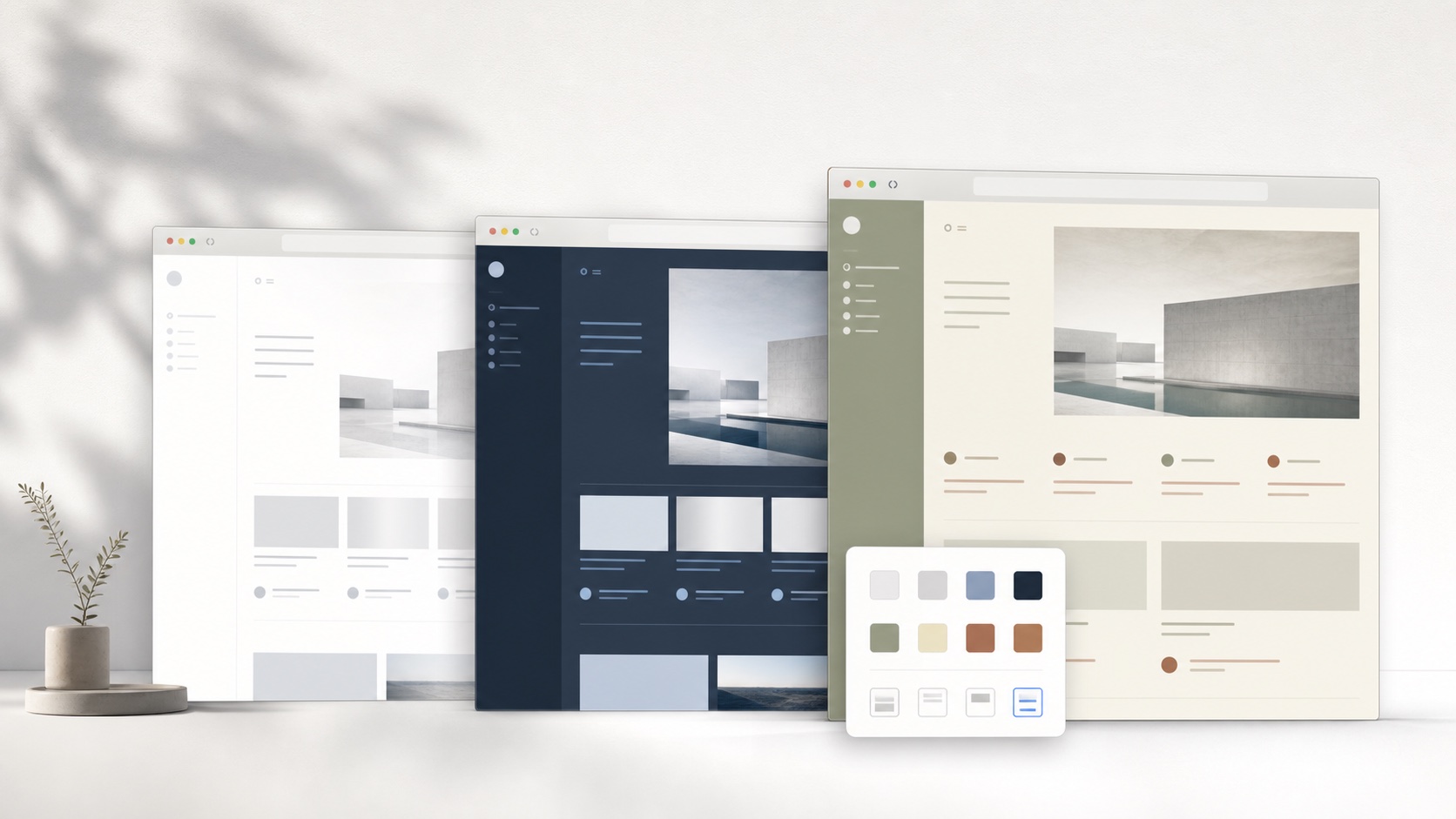
A coherent LinkedIn theme coordinates background, surface, text, border, accent, radius, shadow, and spacing as one system. Changing only the page background usually exposes untouched cards, inputs, menus, and selected states. SiteSkin builds a structured Skin Manifest from approved visual properties, then lets the browser extension translate semantic components into maintained CSS. The result is inspectable theme data rather than a remote script or a block of unknown selectors.
Style the whole supported LinkedIn interface
The adapter distinguishes global navigation, the central feed, profile sections, article surfaces, message panels, job cards, side modules, menus, and dialogs. A shared token system can calm borders and backgrounds while keeping selected navigation, primary actions, links, and form fields recognizable. This is more dependable than a global recoloring rule that has no knowledge of professional or application states.
SiteSkin requests access only for a supported website when the user chooses to enable it. The LinkedIn adapter owns selectors and feature behavior, while the skin holds reusable design decisions. This separation matters when the website changes: selector maintenance belongs in the adapter instead of every saved theme. It also means a generated skin cannot invent a new behavior, load arbitrary code, or expand its own permissions.
Use focus controls without losing control
Reducing the secondary sidebar can keep attention on a post, article, or profile. Compact mode helps users scan notification and search lists, while a wider content area can improve long professional writing. These settings are presentation preferences rather than LinkedIn account preferences. They can be changed, paused, exported, or removed without rewriting stored profile or feed settings.
Job application state, recruiter identity, connection level, sponsored labels, verification, message recipients, and confirmation dialogs must remain unambiguous. SiteSkin does not apply for jobs, send invitations, open messages, edit profiles, or automate outreach. It styles approved interface regions locally and leaves business logic, private content, and service permissions under LinkedIn’s control.
Evaluate LinkedIn themes before installation
Evaluate LinkedIn themes across the main feed, a profile, company page, long article, post discussion, search results, notifications, messaging, job listings, and an application flow. Check that a person’s name, headline, relationship level, verification, author attribution, date, edited state, shared-post context, sponsored label, and primary action remain distinct without making every card visually dominant. Job surfaces need extra care: employer identity, location, work arrangement, salary where provided, application status, external destination, and Easy Apply steps must retain their meaning. Open connection, follow, message, report, and account dialogs to confirm recipients and consequences before an action. Compare compact lists with wide reading content and reduced side modules at several window sizes. A dependable theme calms the professional dashboard while preserving the identity, audience, commercial context, and service state needed to judge a post, profile, opportunity, or communication safely.
Use the SiteSkin preview to inspect the visual direction, then treat the current live LinkedIn interface as the final compatibility check. Confirm that text remains readable over primary and secondary surfaces, keyboard focus is visible, active navigation is distinct, and media is not recolored by surrounding styles. Review each optional feature switch separately because hiding a sidebar or increasing density changes the page more substantially than an accent color. If the result supports the intended task, install the validated manifest through the official extension. If it does not, revise the tokens or return to an official preset. The original LinkedIn presentation remains available at every stage, so comparison and recovery never require changing the underlying account. Keep the chosen task constant while comparing themes: switching the palette, density, content width, and sidebar behavior at the same time makes it difficult to identify which change improved the experience. A deliberate preview records the useful choice and exposes the one that should be removed.
Frequently asked questions
Does a SiteSkin LinkedIn theme change my account or content?+
No. The theme changes supported presentation in the local browser. LinkedIn remains responsible for account data, content, service logic, and transactions.
Can I restore the original LinkedIn design?+
Yes. Pause the active skin or choose the original-site action in the extension. Theme and focus controls are designed to be reversible.