
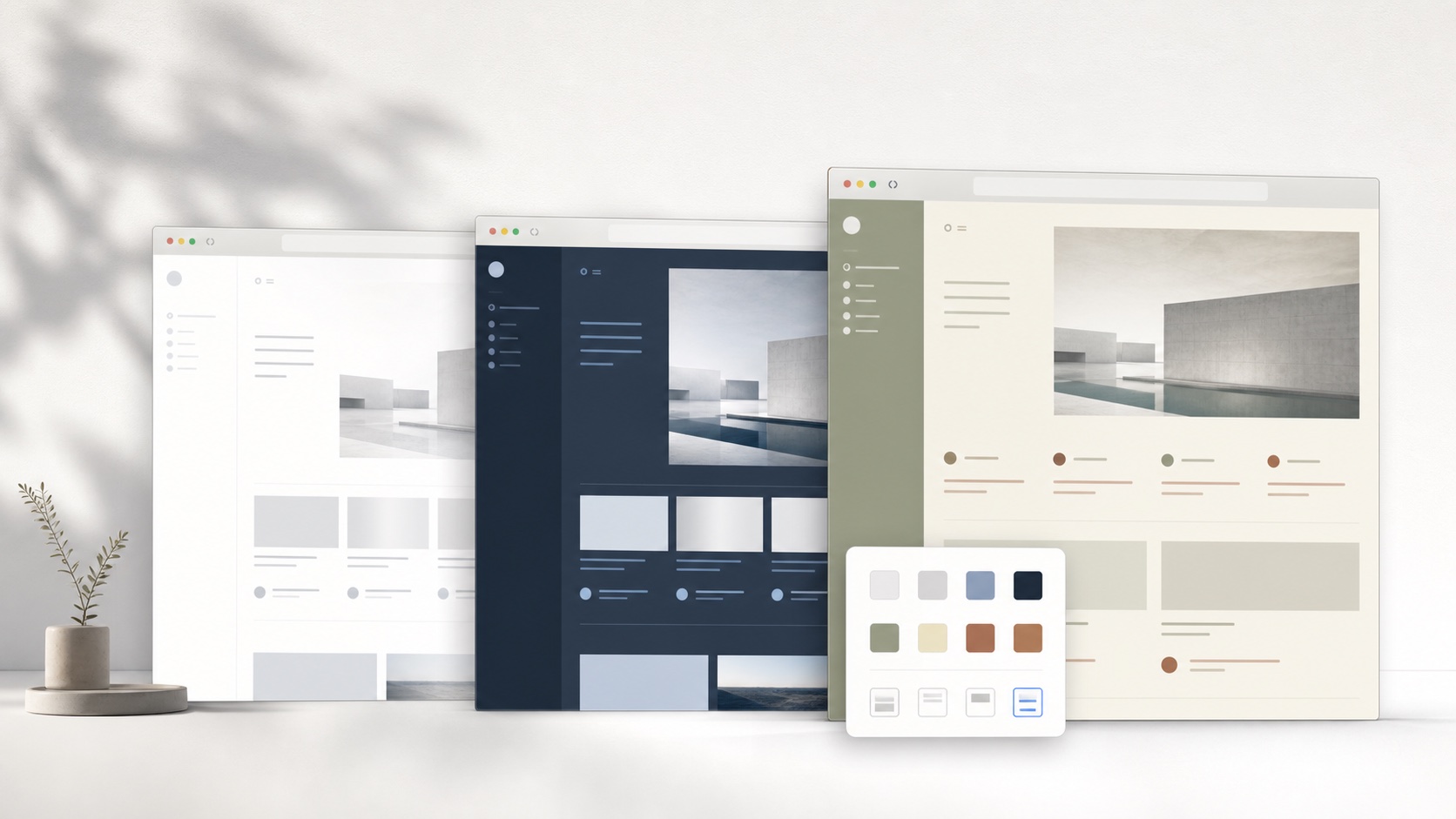
Understand which parts of CSS can be made safely no-code
A no-code theme system works best when it exposes a useful but bounded vocabulary. Background, surface, text, muted text, accent, border, radius, shadow, blur, font family, size, line height, maximum width, display, and opacity cover many everyday theme decisions. Semantic components decide where those values apply. The user chooses “card surface” rather than writing a selector for every repeated card instance.
Not every CSS capability belongs in a safe theme editor. Arbitrary URLs can load untrusted assets. Generated selectors can accidentally target login or payment controls. Extreme positioning and generated content can imitate website messages. SiteSkin therefore uses an allowlist and site adapters. The restriction prevents some creative effects, but it also keeps the theme format reviewable and makes one-click removal dependable.
Choose the controls that improve your task
Begin with the task you want to make easier. For reading, choose a comfortable font and content width; for watching video, start with a cinema preset and inspect the available distraction controls. Adjust one setting at a time so you can see what changed. The Studio labels the supported choices for each website, which keeps the workflow concrete. After testing a setting on the actual page, keep it or reset it before moving to the next adjustment.
Every selected theme and appearance preference is validated. Theme manifests use approved colors, properties, semantic components, and feature settings, while the extension maps them onto the supported website through a maintained adapter. Private background uploads are checked before being made available to connected devices. There is no generation quota to manage. Pro is a one-time license for the listed paid benefits, and the ordinary appearance controls remain available in the free experience.
Know when a full CSS editor is still the right tool
A structured editor cannot solve every page-specific request. If a user needs to reposition one unusual widget, repair an unsupported website, define an animation, or target a component the adapter does not expose, direct CSS may be necessary. Developers can use browser DevTools and a style manager, while non-technical users can request official adapter support rather than installing a large unknown snippet.
The important benefit is choosing the smallest tool that fits the task. SiteSkin covers coordinated theme systems and approved focus controls on supported sites. A CSS manager covers arbitrary presentation logic. A userscript manager can change behavior but carries a different risk profile. Calling all three “no-code customization” hides meaningful differences. Users should understand whether a solution installs data, CSS, or executable script before granting access.
Review custom CSS without coding results before installation
Use representative pages rather than judging a theme from one hero preview. Inspect navigation, cards, long text, images, video, code, inputs, selected tabs, hover and focus states, menus, dialogs, warnings, and confirmation screens. Change the viewport and browser zoom, then scroll far enough for dynamically loaded components to appear. A no-code result should keep readable contrast and clear hierarchy across those states without recoloring media, hiding account context, or making a secondary button look primary. Review optional layout switches separately from palette changes because hiding a sidebar or increasing density changes interaction more substantially than choosing another accent.
The generated manifest should remain understandable after the preview. Confirm the target website, token values, semantic components, feature switches, storage location, and removal path. If the desired effect requires an unsupported selector, remote asset, generated label, animation, or behavior change, do not disguise that limitation with an arbitrary snippet. Use a full CSS tool with informed review or request adapter support instead. SiteSkin keeps custom CSS without coding bounded so a result can be validated, applied locally, updated through a maintained site map, and removed from the extension. That tradeoff gives up unlimited selectors in exchange for clearer permissions, predictable recovery, and a smaller gap between what the preview promises and what the installed theme is allowed to do.
Keep the original page available during comparison and save only the variation whose purpose can be described clearly. A named, intentional result is easier to maintain than a stack of unexplained visual experiments.
Frequently asked questions
Does SiteSkin generate downloadable CSS?+
It generates a Skin Manifest. The extension compiles supported rules to CSS using its adapter. The downloaded JSON is not a universal stylesheet.
Can themes add a feature that is not supported by SiteSkin?+
No. It can only select approved feature switches and visual properties. New behavior must ship in a reviewed extension update.