Confirm what the extension promises to theme
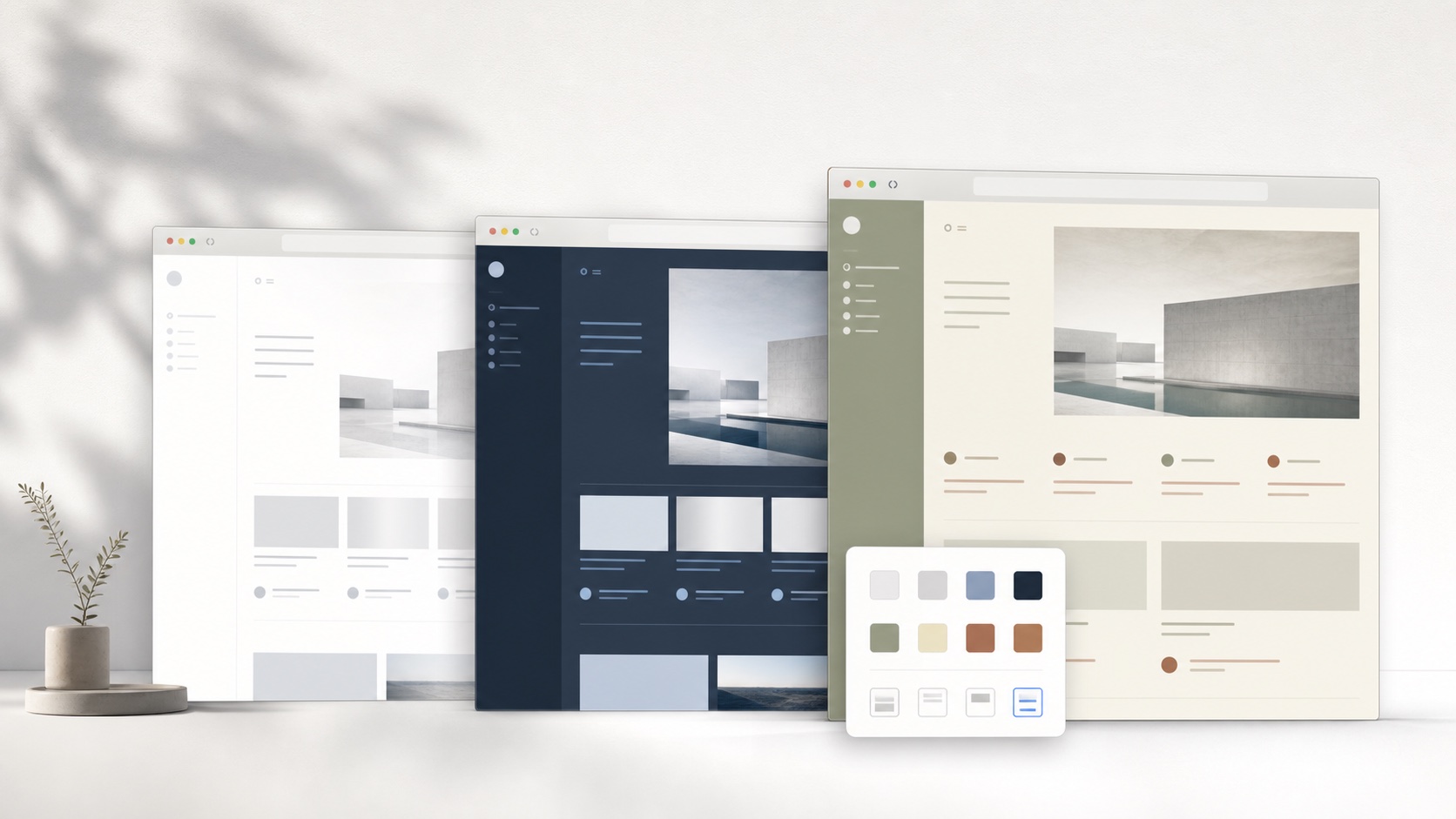
Browser chrome themes change the frame of the application but generally do not redesign content inside a website. Website theme extensions inject styles into matching pages. Universal tools may operate across many domains, while site-specific tools request access only to a smaller list. The store description should make this scope clear. If screenshots show transformed websites, page access is part of how the core feature works and should be explained rather than hidden.
SiteSkin uses optional host permissions for 12 supported websites, and the user grants access only when enabling one of them. The website itself is listed separately because it needs to send install and preview messages to the extension. Those messages are limited by the manifest and checked again by the service worker.
Inspect the difference between data, CSS, and code
A theme may be distributed as settings, stylesheet rules, or executable code. These formats create different capabilities and risks. Data is interpreted by a fixed renderer. CSS can express broad presentation behavior and can load resources unless restricted. JavaScript can change application behavior and access extension APIs depending on where it runs. Modern extension policies restrict downloading and executing remote code, but users should still understand what the product stores and interprets.
SiteSkin receives a structured manifest with design tokens, semantic rules, and boolean feature switches. It validates lengths, properties, values, components, and site identity. Feature behavior is implemented in functions packaged with the extension. The website cannot send a new function. This is a deliberate limitation that makes the theme portable across adapter updates and prevents unvalidated theme data from becoming privileged browser code.
Look for a clear failure and removal path
Website themes eventually meet a page update they did not anticipate. A responsible extension should offer a direct off switch, per-site control, and a way to revoke permissions. It should not make the original website dependent on a cloud account merely to restore the default appearance. Users should be able to disable a broken theme from the extension interface even when the themed website becomes difficult to use.
Maintenance information is equally important. Site-specific adapters can be tested against known pages, while universal tools need broader compatibility logic. Community themes vary by author and update frequency. No model eliminates maintenance. The useful question is who owns it, how an update is distributed, and whether one repair can help many themes. SiteSkin’s adapter model is designed so one selector mapping update can restore all compatible manifests.
Use a browser theme extension installation checklist
Before installation, verify the publisher, store listing, privacy policy, support channel, update history, requested permissions, and whether the core feature matches the screenshots. Distinguish optional site access from permissions granted immediately across all pages. Check whether the extension collects page text, full URLs, browsing history, account identifiers, or theme prompts, and identify which features actually require a server. Inspect whether themes are data, CSS, or executable scripts; whether remote resources are allowed; and whether community submissions receive review. A trustworthy explanation should connect each permission and data flow to a visible feature without promising that store review eliminates every risk.
After installation, enable one supported site first and test a representative workflow. Confirm text contrast, keyboard focus, navigation, media, forms, menus, warnings, and account dialogs in both the themed and original presentation. Find the per-site pause action, permission revocation path, stored-theme controls, export or deletion behavior, and the method for reporting a broken layout. Reload the page and restart the browser so persistence is understood before adding more sites. If removing the extension is the only practical recovery path, the control model is weak. A good browser theme extension makes activation, scope, current state, updates, and reversal understandable, even when the website changes or a generated theme fails to match the preview.
Review the same checklist again after a major permission request or product update. A new capability may legitimately need broader access, but the publisher should explain the change before the browser asks for it. Remove unused site permissions and old themes rather than leaving dormant access enabled indefinitely.
Frequently asked questions
Why does a website theme extension need page access?+
It needs access to insert styles and identify supported interface regions on the selected website. SiteSkin requests that access per supported domain.
Is a browser toolbar theme the same thing?+
No. Toolbar themes style the browser frame. SiteSkin styles supported websites rendered inside browser tabs.