
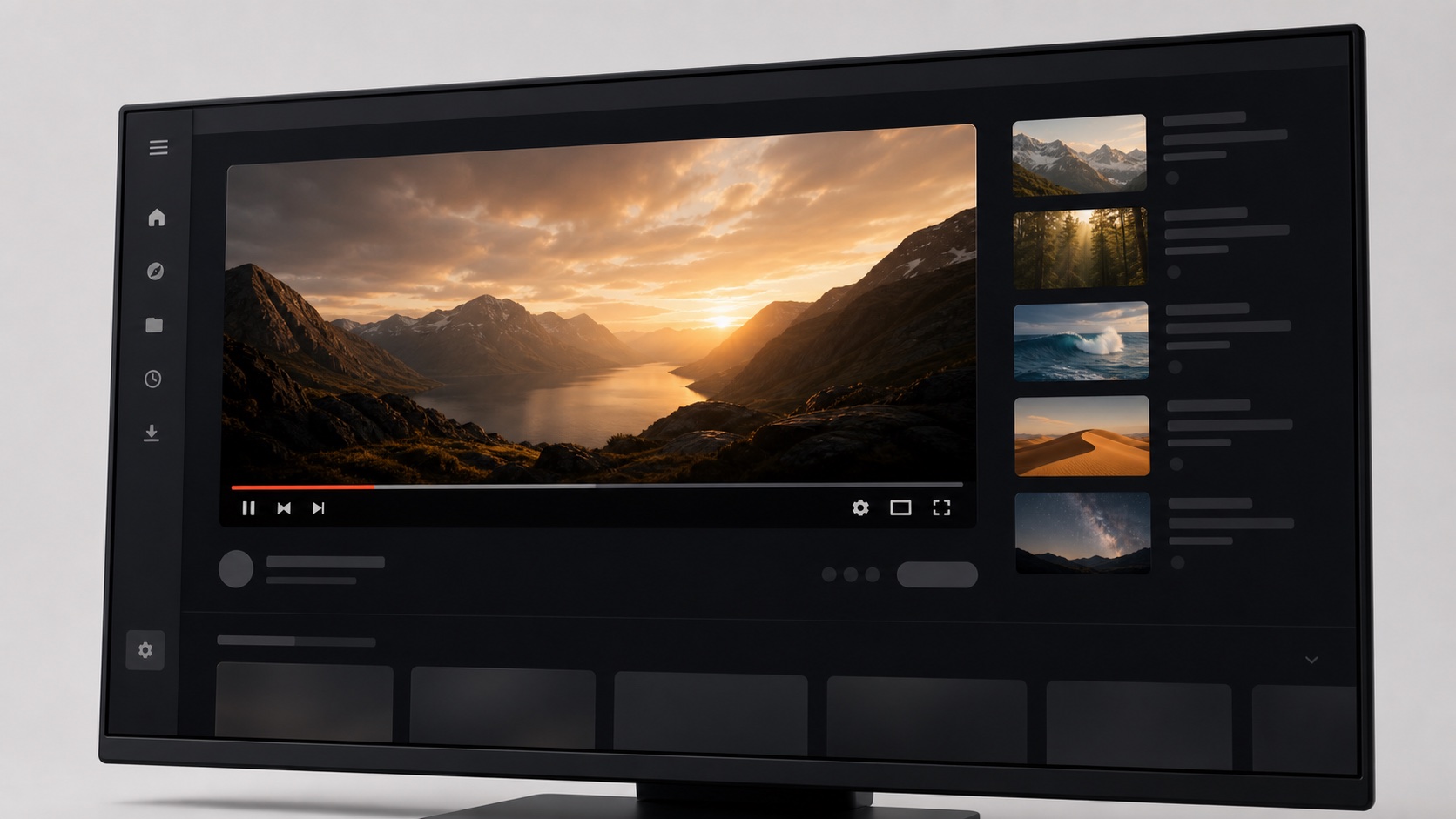
Where Shorts appear on the desktop interface
Short-form entry points can appear in more than one place. A shelf may be inserted into the home feed, a dedicated navigation item can live in the sidebar, and short videos can appear in mixed recommendations. Hiding only one selector often leaves another route available. SiteSkin’s YouTube adapter groups known Shorts regions as a semantic feature and applies a reviewed rule set to those regions. The control is designed for the supported desktop website, not for the mobile application.
The rest of the interface remains available. Search results, subscriptions, playlists, history, standard recommendations, channels, comments, and the media player are separate semantic regions. Users can choose to hide Shorts alone or combine that choice with other focus controls. This separation prevents a common problem in distraction blockers where one aggressive mode removes so much navigation that the useful parts of the service become difficult to reach.
Use a reversible presentation rule instead of account surgery
SiteSkin does not unsubscribe from channels, delete watch history, edit recommendations, or change an account-level preference. It changes what the current browser presents. That makes the feature useful for temporary contexts such as an exam week, a work session, or a family computer. When the user turns the skin off, the original interface returns. No server-side data has to be reconstructed because the underlying account was never changed.
A local presentation rule also allows different browser profiles to behave differently. A work profile can hide Shorts and recommendations, while a personal profile keeps the default experience. People who share a computer can use separate profiles and separate SiteSkin settings. The choice stays close to the browsing context instead of becoming a permanent statement about how the account must work everywhere.
Combine Shorts removal with a useful viewing layout
Removing one shelf can leave the page feeling visually unbalanced if the surrounding layout was designed around that module. A complete YouTube skin can adjust spacing, content width, card density, and player emphasis at the same time. For example, a study preset can remove Shorts, keep the subscription feed compact, and widen the watch page. A cinema preset can hide Shorts and reduce recommendations while preserving comments for discussion.
The appearance Studio lets users select these approved choices directly. Start with a warm light theme, enable the Shorts switch, and adjust the supported content-width preference. Test each change on the actual watch page and feed before keeping it. The extension validates the chosen data before applying it and preserves the original website controls. These settings cannot introduce new scripts or bypass service controls; they select from the visual and focus capabilities already included in the product.
Verify that hide YouTube Shorts rules leave useful video paths intact
Test the feature on the home feed, subscriptions, search results, a channel page, playlists, history, and an ordinary watch page. Known Shorts shelves and supported navigation entries should disappear without removing standard videos that happen to be brief, damaging mixed search results, or leaving unexplained empty containers. Open menus and resize the window so collapsed navigation and dynamically inserted feed sections are checked as well. YouTube changes recommendations continuously, which means a rule that looks correct on the first screen may encounter another supported placement after scrolling. SiteSkin keeps this behavior in the maintained YouTube adapter rather than copying a one-off selector into every skin, so a compatibility repair can benefit all manifests that enable the same switch.
It is equally important to understand the limit of the control. SiteSkin does not rewrite direct URLs, block network requests, alter watch history, train recommendations, or claim to remove Shorts from mobile apps, televisions, or another browser profile. A direct short-video link may still open because the feature manages presentation on supported desktop surfaces. Users who need a stronger access restriction should choose a purpose-built blocking or supervision product. For a focused desktop layout, compare the page before and after enabling the switch, confirm that search, subscriptions, playlists, account controls, playback, captions, and comments still work, then save the skin. If a YouTube update produces a gap or hides an unrelated region, pause the skin immediately and report the visual category without including a personal viewing URL.
Frequently asked questions
Does hiding Shorts block direct Shorts links?+
The current feature hides supported interface regions and navigation entries. It is a presentation control, not a network blocker, so a direct URL may still open.
Can I keep recommendations while hiding Shorts?+
Yes. Shorts and recommendations are separate feature switches. You can enable one without enabling the other.