How SiteSkin changes a website safely
A clear look at site permissions, theme manifests, local settings, and the controls that keep SiteSkin reversible.
 SiteSkin Team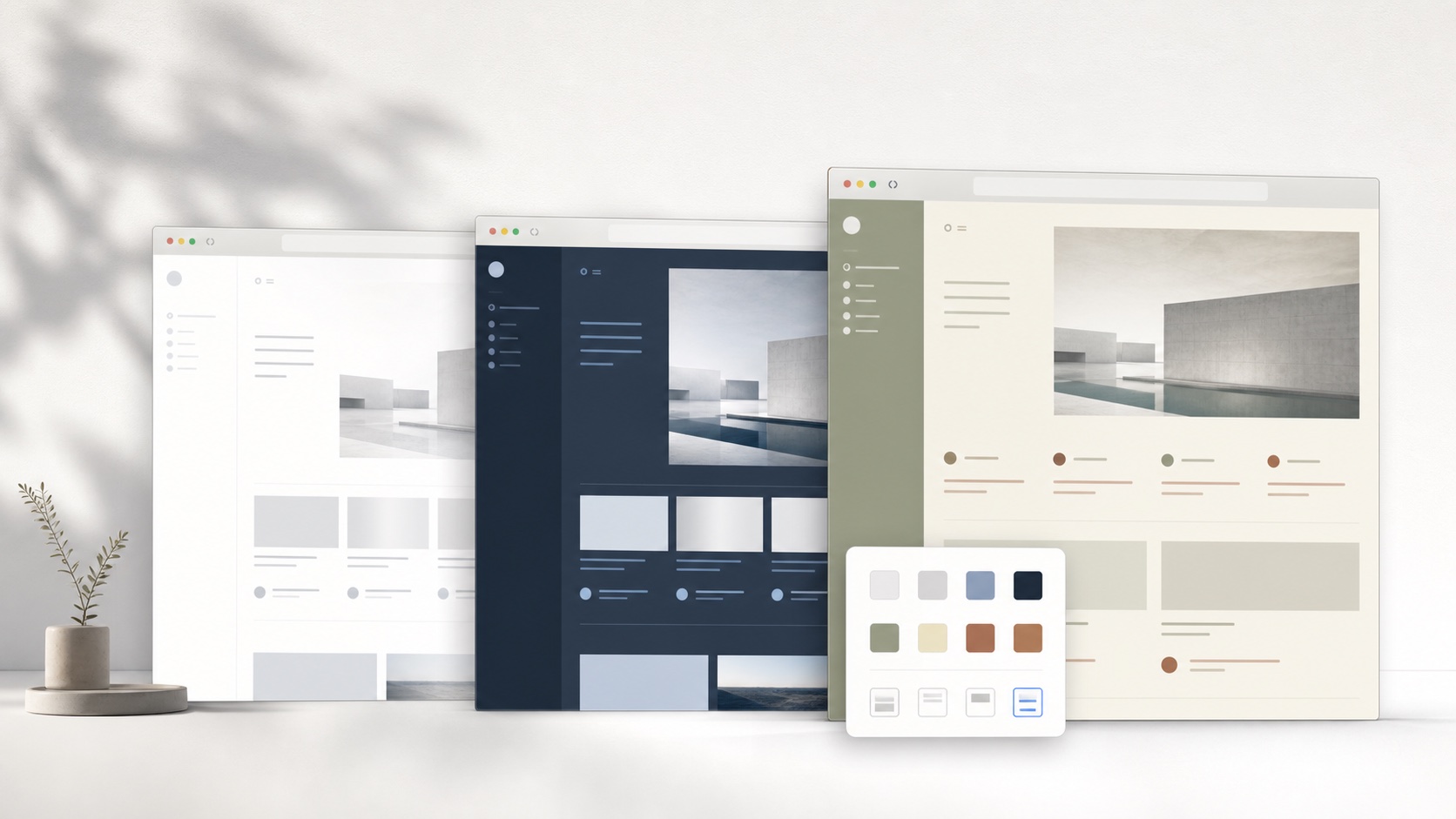
SiteSkin changes how a supported website looks inside your browser. It does not copy the website, move your account, or replace the service behind the page. When you disable a theme, the original interface returns.
Permission is requested per website
A browser extension needs permission to change a page. SiteSkin asks for access to supported sites individually, so enabling a YouTube theme does not also grant access to Reddit or ChatGPT. The extension uses that permission only to apply the selected appearance and focus controls.
Your installed themes and preferences are stored by the extension. SiteSkin does not need a list of every page you visit to decide which theme belongs on a supported site.
Themes use a limited manifest
Every SiteSkin theme is described by a manifest. The manifest contains design tokens such as background, surface, text, accent color, radius, and density. It can also enable reviewed features that are already included in the extension, such as hiding Shorts or widening a conversation column.
A downloaded theme cannot include remote JavaScript. It cannot choose an arbitrary browser API or run a script supplied by a creator. Before installation, the extension checks the manifest structure, verifies its SiteSkin signature, and confirms that the theme targets the website it claims to support.
Site adapters make themes easier to maintain
Website markup changes over time. SiteSkin handles this with an adapter for each supported site. A theme refers to stable component names such as page background, sidebar, video card, comment area, or code block. The adapter maps those names to the current interface.
When a website changes, SiteSkin can update one adapter instead of asking every theme author to rebuild every color and layout rule. This does not make themes unbreakable, but it gives them a clearer maintenance path.
You remain in control
You can turn off one theme, remove it, or disable SiteSkin for the current website. The extension popup remains the recovery point even when the styled page itself looks different. Account data, subscriptions, saved posts, conversations, and service settings remain with the original website.
Start with an official theme from the theme library, or read the installation guide before granting access.